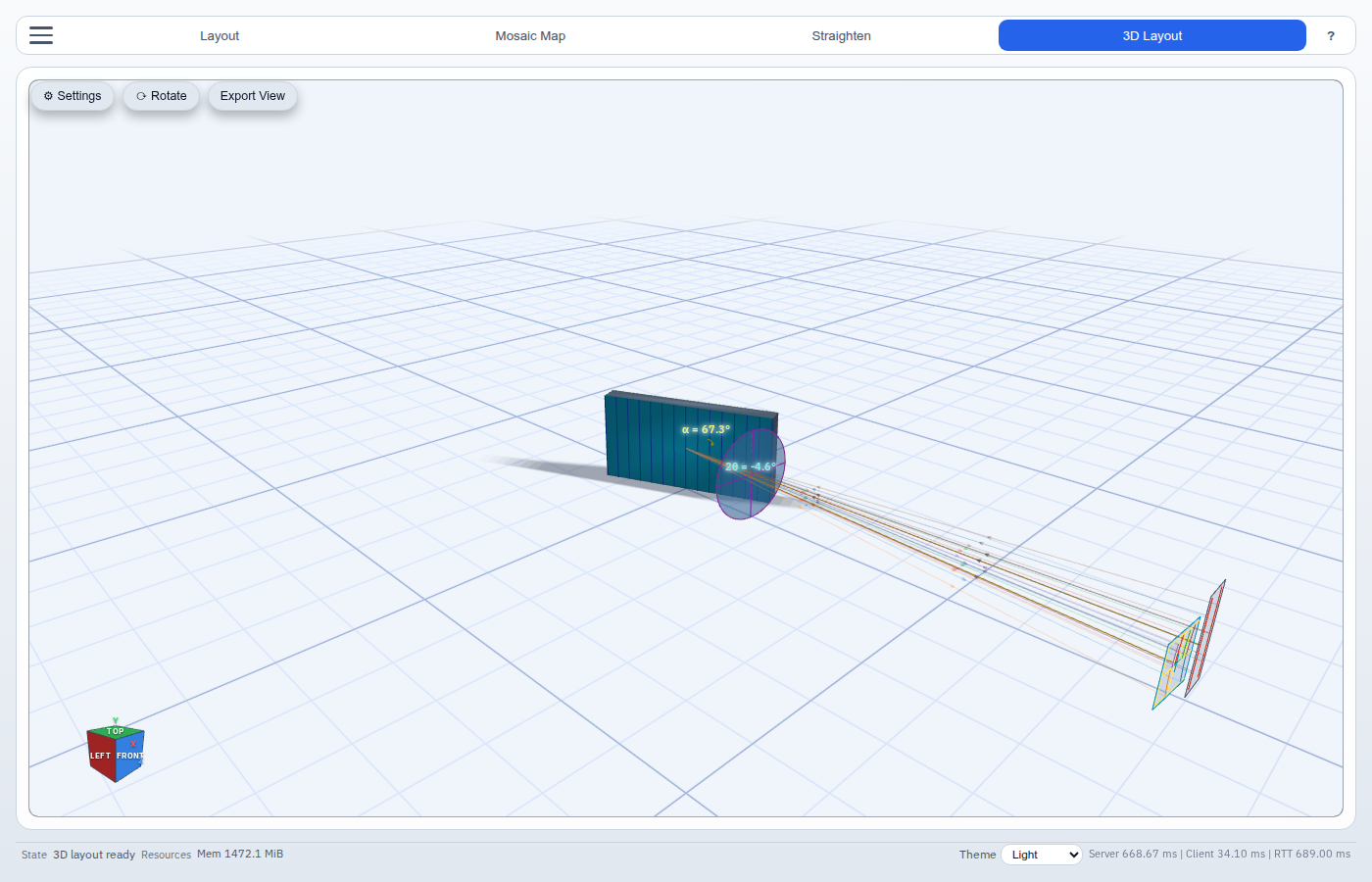
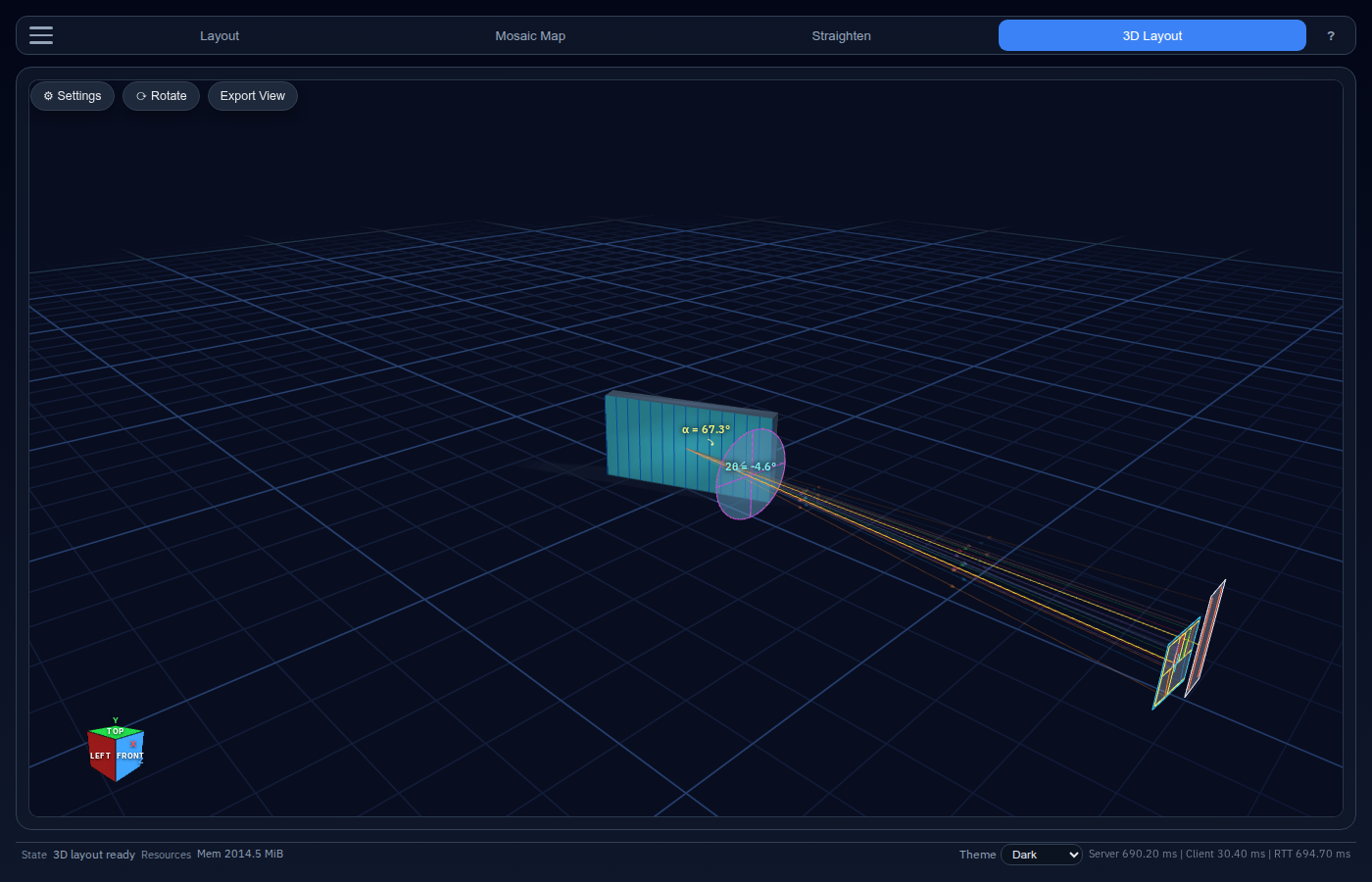
The 3-D Layout view renders a WebGL mechanical model of the entire spectrograph optical train — collimator, grating, focusing lens, and slit plane — so you can verify physical geometry and component clearances.
The toolbar appears at the top of the 3-D canvas when this view is active.
Button
Action
⚙ Settings
Open the 3-D Mechanical Settings panel
Save PNG
Export the current 3-D view as a PNG image
Camera Navigation
Input
Effect
Click + drag
Rotate (yaw / pitch orbit)
Scroll
Zoom in / out
Click a cube face label
Snap to that axis-aligned view with smooth animation
The orientation cube in the corner shows FRONT, BACK, TOP, BOTTOM, RIGHT, and LEFT faces. Clicking a label snaps the camera to look at the model from that direction.
3-D Mechanical Settings Panel
Opened with ⚙ Settings. Draggable floating window.
Optical Component Sizes
Parameter
Unit
Description
Collimating lens diameter
mm
Clear aperture of the collimating lens
Focusing lens diameter
mm
Clear aperture of the focusing/camera lens
Grating width
mm
Horizontal extent of the diffraction grating
Grating height
mm
Vertical extent of the grating
Grating thickness
mm
Physical depth of the grating substrate
Slit plane geometry
Parameter
Unit
Description
X position
mm
Lateral offset of the slit plane
Y position
mm
Vertical offset of the slit plane
Width
mm
Total width of the slit plane
Height
mm
Total height of the slit plane
Visualization options
Control
Description
Ray opacity
Slider (0 – 100 %). Reduce to see through ray bundles
Grid at grating base
Toggle a reference grid beneath the grating
Orthographic projection
Switch between perspective and orthographic camera
Actions
Button
Description
Render 3D
Compute and display the 3-D model (enabled once required fields are filled)